
Even when we mean to take a complete break, holiday travel often gets interspersed with work responsibilities. You might tell yourself you’re unplugging, but the laptop still comes along “just in case.” Email stays active on your phone. Files get pulled up in an airport lounge or a hotel room late at night.
From a cybersecurity standpoint, this is one of the riskiest times of the year.
During holiday travel, business devices leave the controlled office environment and start connecting from wherever there’s a signal. Airports, hotels, coffee shops, family homes…all convenient, all unpredictable. Cybercriminals count on people being distracted, tired, or rushing through tasks they typically handle more carefully.
This is also when businesses that rely on responsive managed IT services tend to catch problems early, before a small mistake turns into a larger issue. Most travel-related security incidents don’t start with sophisticated attacks. They start with a minor, understandable lapse.
Why Holiday Travel Changes the Risk Equation
In the office, security is largely invisible. Firewall security is in place. Networks are monitored. Access controls quietly do their job in the background. When someone travels, many of those protections no longer apply in the same way.
A laptop connects to a public Wi-Fi network. A phone auto-joins a nearby hotspot. An employee quickly checks email while boarding a flight and clicks on something they would usually have questioned.
None of this is reckless behavior. It’s normal behavior in a different setting. Unfortunately, attackers rely on “normal” during holiday travel.
They also know response times slow down around the holidays. Fewer people are in the office. IT staff may be rotating time off. That window, even a short one, can be enough for real damage to occur.
A Little Preparation Goes a Long Way
Cybersecurity during holiday travel starts with basic preparation before you leave.
Make sure devices are updated. Operating systems and apps receive security patches constantly, and delaying updates leaves known vulnerabilities open. It’s far easier to install updates at home or in the office than while you’re on the road.
Device security matters just as much. Strong passcodes, biometric locks, and short auto-lock timers should be enabled on everything you bring. If a device disappears during travel, those settings buy you time and protection.
Backing up important data is another step that’s easy to overlook. Lost or damaged devices are inconvenient. Lost business data can be far worse. Secure backups ensure you’re not relying on a single device while traveling.
Finally, confirm that remote tracking and remote wipe features are active. If a phone or laptop goes missing, being able to lock or erase it remotely can prevent a bad situation from escalating.
Working While Traveling: Where Problems Usually Start
Once travel begins, most cybersecurity issues come down to habits rather than technology.
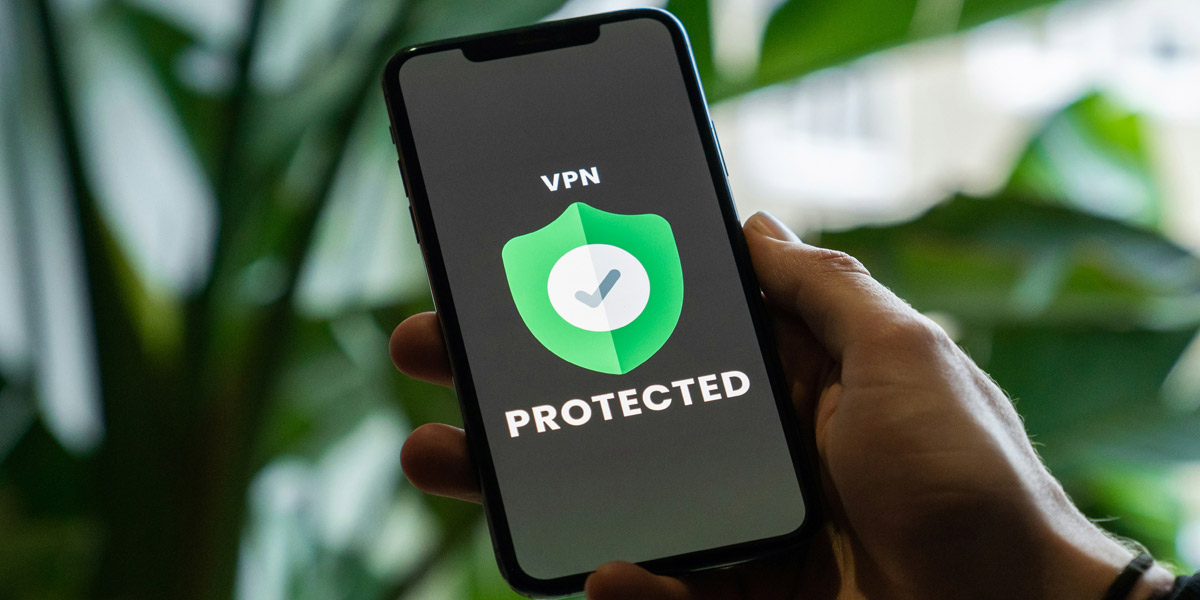
Public Wi-Fi is convenient, but it’s also one of the most common sources of risk. Networks in airports and hotels are often unsecured or poorly monitored. If sensitive business systems must be accessed, a VPN or personal hotspot provides a much safer option.
Email security deserves extra attention during holiday travel. Phishing scams often increase this time of year and are designed to look relevant: shipping notices, travel confirmations, “urgent” requests from leadership. When checking messages quickly between activities, it’s easy to miss subtle warning signs.
Physical security matters, too. Devices left unattended, even briefly, are vulnerable. A laptop taken from a café table or a phone grabbed from a charging station doesn’t just represent lost hardware. It can mean exposed credentials and access to company systems.
Turning off automatic Wi-Fi and Bluetooth connections is another small step that reduces risk. Devices that connect automatically don’t always distinguish between legitimate and malicious networks.
Social Sharing and Location Awareness
Holiday travel often comes with social media updates. Photos, check-ins, and travel posts are part of the experience. From a security standpoint, however, they can reveal more than intended.
Real-time location sharing can signal that you’re away from home or away from the office. For business owners or key employees, that information can be used to impersonate them or mount targeted attacks.
Limiting who can see posts or delaying them until after returning reduces unnecessary exposure. Reviewing location permissions on apps is also worthwhile. Many apps track far more than they need to function.
After You’re Back: Don’t Skip the Cleanup
Cybersecurity during holiday travel doesn’t end when the trip does.
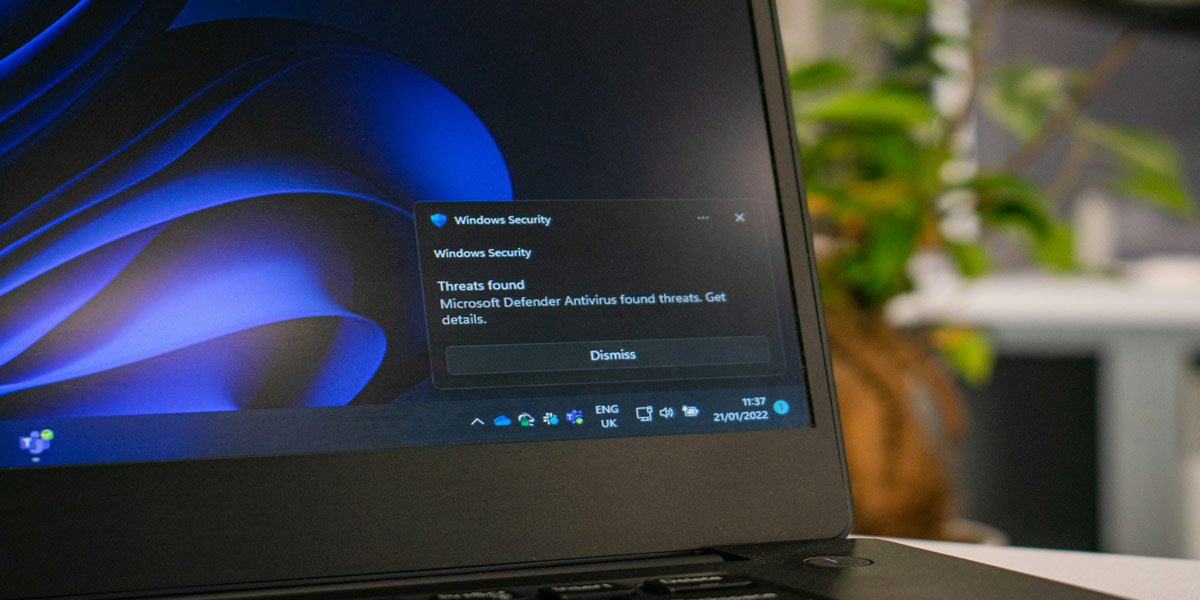
After returning, it’s a good idea to review account activity and scan for vulnerabilities. Unfamiliar login alerts, password reset messages, or odd notifications shouldn’t be ignored, even if everything seems fine.
Travel-specific apps should also be removed. Apps downloaded for transportation, events, or temporary services may still have access to data long after the trip is over.
If anything feels off while traveling, a lost device, a suspicious message, or an unexpected prompt, addressing it early can prevent larger issues later.
How Adept Networks Helps Reduce Travel-Related Risk
For businesses, holiday travel is a predictable risk, which means it’s also manageable.
Secure remote access, multi-factor authentication, endpoint protection, and proactive monitoring significantly reduce exposure when employees are working from anywhere. (See the Top 10 Digital Tools to Protect Against Hackers.) Clear guidance and support, however, matter just as much as technical tools.
Adept Networks, your local IT experts, in Spokane, Washington, and Medford, Oregon, work with businesses to build security practices that hold up outside the office, not just inside it. Whether employees are traveling for the holidays or working remotely year-round, the goal is the same: keep systems secure without making work harder than it needs to be.
Holiday travel should be a break, not a business liability. With the proper preparation and support, it can be both productive and secure.