
Some of the most effective printer security fixes address everyday workplace habits. Secure print settings, individual passwords, sensible access controls, and proper equipment disposal can help protect sensitive business information. For small businesses in Spokane, WA, and Medford, OR, the goal isn't to make printing a five-step process, but rather to make protecting private information part of the normal workday.
Even employees who understand the importance of data privacy sometimes forget to retrieve a printed document or share a password to keep work moving. It's difficult to eliminate those habits through reminders and policies alone, particularly in a busy office. That's why printer security needs to go beyond repeated policy reminders. The goal of an IT consulting service provider like Adept Networks is to make it easier for your employees to do the right thing.
Keep Confidential Documents Out of the Printer Tray
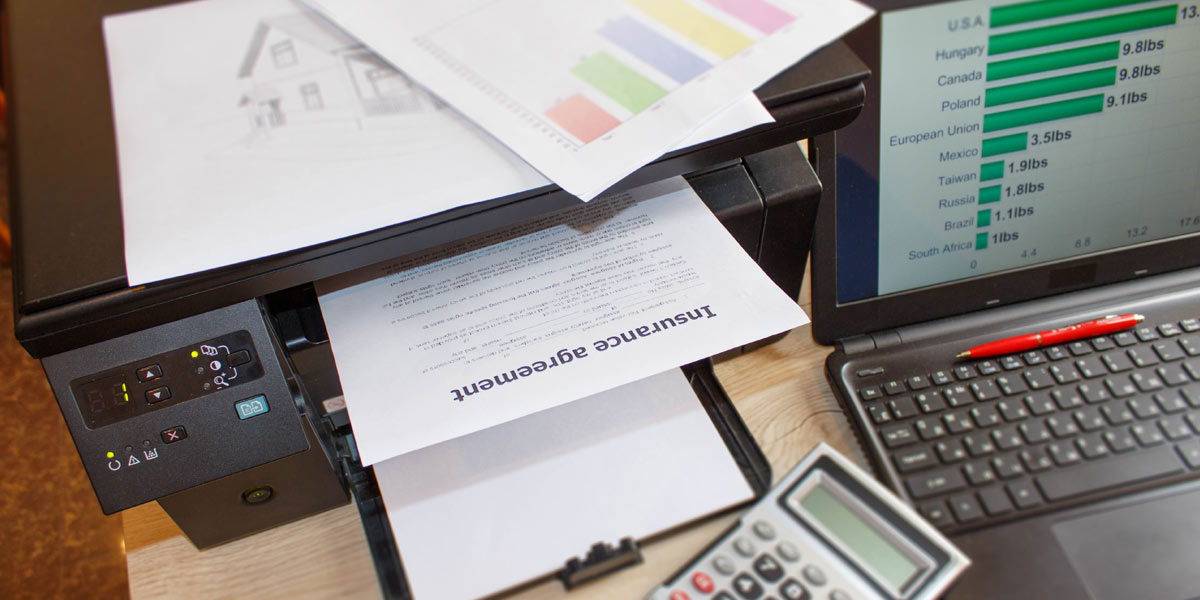
Shared printers are convenient, particularly in busy offices where several employees need access throughout the day. But that convenience creates an opportunity for data breaches. An employee might print a customer's financial records, a contract, or a document containing personal information, then get pulled into another task before retrieving it.
Reminding employees to collect their documents immediately is a reasonable first step. The better solution, however, doesn't depend entirely on everyone's memory.
Many business printers support a feature called secure print release, sometimes known as pull printing or PIN printing. Instead of producing a document as soon as someone clicks Print, the printer holds the job until that person arrives and authenticates with a PIN, employee badge, or another supported method.
The document doesn't sit unattended in the output tray because it hasn't been printed yet. Some systems can also automatically delete print jobs that employees never retrieve.
If your printer supports secure print release, your managed IT services provider can help configure it for employees who regularly handle confidential information. Depending on the equipment and software, secure printing may even be established as the default.
Stop Sharing Printer Passwords and Access Codes
It's easy to see how password sharing becomes routine in a small office. One employee needs to use a printer feature, doesn't know the password, and asks a coworker. Before long, several people are using the same credentials. The problem isn't that employees share a printer. It's that shared credentials make it difficult to control access or determine who performed a particular action.
Where the equipment supports individual user authentication, employees should have their own credentials rather than sharing personal login information. Restrict administrator passwords to authorized personnel, and change factory-default passwords during setup.
Employees also need a convenient way to get help when they forget a password or need access to a new printer function. Otherwise, sharing credentials may seem like the easiest way to get their work done. A well-configured system makes legitimate access straightforward without sacrificing accountability.

Pay Attention to Where Documents Go
The printer tray isn't the only place confidential information can end up. Modern multifunction printers can scan documents to email addresses, save files to network folders, and send information to other devices. These features are useful, but they also introduce email security threats.
Scan-to-email and scan-to-folder features save employees a lot of time, but they also deserve some attention. Printer address books can accumulate outdated contacts, particularly as employees come and go. It's worth reviewing those saved addresses periodically and checking who has access to folders where scanned documents are stored.
Give serious thought to the printer’s location. A shared printer near the reception desk may be convenient, but it's not necessarily the best place for confidential documents. Employees also need an easy way to dispose of unwanted pages containing private information, whether that's a shredder or a designated secure disposal bin.
If your business has more than one location, remember to include printers at smaller offices when reviewing security practices. They're easy to overlook, especially if employees at those locations handle their own day-to-day technology needs.
What Happens to Confidential Information When You Replace the Office Copier?
Here's a printer security issue that may surprise some business owners: Certain multifunction printers store information about the documents they process.
Depending on the model, a printer or copier may have internal storage containing print jobs, scanned documents, address books, or other data. That information doesn't necessarily disappear when you unplug the machine.
The Federal Trade Commission addresses this issue in its Digital Copier Data Security: A Guide for Businesses. The FTC recommends considering data security compliance throughout a copier's life, including when a business returns leased equipment, sells an old machine, or disposes of one.
Before replacing a copier, find out whether it has internal storage and what procedures the manufacturer recommends for securely removing stored information. Depending on the device, this may involve secure data erasure, overwriting, or having a qualified technician remove and handle the storage drive. Simply deleting a print job or restoring ordinary settings may not adequately erase stored information.
This is an area where professional computer support services are particularly valuable. Your IT company can help identify the appropriate procedure and coordinate with the equipment vendor before the machine leaves your business.

Don't Overlook the Printer's Network Security
So far, we've focused primarily on employee habits and accidental exposure of private information. But a network-connected printer is also a piece of technology that needs regular security attention.
Like computers, business printers run software, have configuration settings, and may communicate with other devices on the company network. Outdated firmware, unnecessary network services, and poorly configured permissions can create security vulnerabilities.
Some printer security fixes are relatively simple. A business owner can check whether the manufacturer still supports an older printer, for example, or ask whether its security features have been enabled. An IT professional can handle other network security maintenance more effectively. These may include updating firmware, restricting network access, configuring encryption where supported, and ensuring that printer administrator accounts are properly protected.
For businesses with multiple printers or locations, maintaining an accurate inventory of connected devices is especially important. It's difficult to protect equipment that nobody realizes is still connected to the network.
Make Printer Privacy Part of Everyday Office Procedures
Employees have enough to remember during a busy workday. Adding a long list of printer security rules may not accomplish much if following those rules is inconvenient. A better approach combines a few clear expectations with technology that supports them.
Employees should know how to handle confidential print jobs, where scanned documents belong, and what to do when they encounter a printer access problem. New employees should learn these procedures during onboarding, and existing employees may benefit from occasional reminders. But training is only part of the solution. Employees can improve their habits, but an IT strategy consultant can help configure systems that make privacy the default.
Secure print release reduces the chance of forgotten documents. Individual authentication discourages password sharing. Properly configured scan destinations help employees send information to the right place. Routine device and network maintenance addresses technical problems before they become larger security concerns. The idea is simple: Make it easier to do the right thing.

Protect Your Business Data Beyond the Computer Screen
Your business may already have strong passwords, secure computers, and policies for handling confidential information. Those protections matter, but they shouldn't stop at the office printer. The most effective printer security fixes address both sides of the problem: the everyday mistakes people can make and the technical vulnerabilities they may never see.
Adept Networks, your local IT support provider, helps small businesses in Spokane, WA, Lehi, UT, and Medford, OR, manage and protect their technology as part of a broader IT strategy. From configuring network-connected devices to maintaining security settings and supporting employees, professional IT management can help businesses protect sensitive information without making everyday work more difficult.
If you're unsure whether your office printers are configured to protect confidential information, contact Adept Networks to discuss your business's IT support and security needs.