
The best way to prepare your business for AI is to organize your information, review employee access, strengthen security, and identify specific tasks where AI could save your team time. Businesses don't need every detail nailed down before they begin using AI, but they do need a solid technology foundation.
For companies considering Microsoft Copilot or other business AI tools, preparation can make a noticeable difference in the results. Adept Networks helps businesses assess their current technology and develop AI solutions that fit how their employees actually work.

Start With a Business Task AI Could Improve
Once you watch an AI tool demonstrated, you might immediately start imagining all the scenarios where it could improve efficiency and rush into purchasing licenses. A better place to begin is an ordinary workweek.
Look at what employees spend time doing repeatedly. A manager might lose several hours each month gathering information for reports. Another employee may spend every Monday morning turning meeting notes into follow-up emails and task lists.
These are useful starting points because there is already a clear job for AI tools. Microsoft Copilot, for example, can help with tasks such as:
- Summarizing meetings
- Composing emails and documents
- Analyzing spreadsheets
- Preparing first drafts of reports
- Finding and summarizing information
- Assisting with routine research
Pick one or two time-consuming tasks first. You'll have a much easier time judging whether AI is helping when you know what you wanted it to accomplish in the first place.
Get Your Business Information Organized
Imagine asking an employee to find the latest version of a customer document. They check a common drive, search through an email thread, look in someone's personal folder, and finally ask a coworker who recalls its location. AI has trouble with that environment too.
Years of files can accumulate across desktops, servers, inboxes, shared folders, and cloud platforms. Employees often learn where everything is through experience, including which copy of a document is current. An AI tool doesn't have those unwritten instructions.
Look at Where Your Files Live
Before rolling out AI, spend some time looking at your existing information. You may find old files that need to be archived, several versions of the same document, or important information stored in a location only one employee can easily reach.
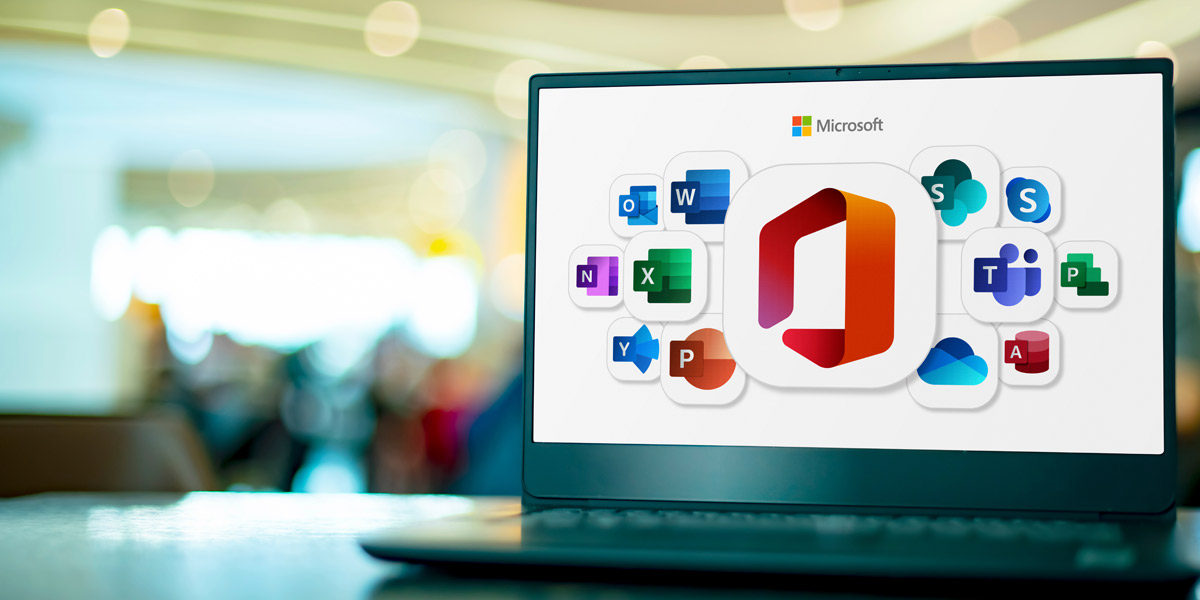
Businesses using Microsoft 365 can also review whether employees are consistently using tools such as SharePoint, Teams, and OneDrive. Centralizing information gives both employees and AI tools a more reliable place to work.
Review Who Can Access Sensitive Information
AI can find information much faster than an employee clicking through folders. That makes existing access permissions especially important.
Suppose an employee asks Copilot to locate information about salaries or customer contracts and receives documents they don’t normally use. The underlying issue may be that the employee already had permission to access those files.
A permissions review should include sensitive areas such as:
- Financial records
- Employee and HR files
- Customer information
- Contracts and legal documents
- Company strategy and planning documents
Pay attention to employees who have changed jobs within the company as well. Someone who moved into a different role two years ago may still have permissions left over from their previous role.

Strengthen Cybersecurity Before Expanding AI Use
Good security practices become even more important when employees can quickly find and work with company information. Fortunately, preparing for AI doesn't mean starting over with an entirely new approach to cybersecurity.
Review the basics first. Are employees using multi-factor authentication? Are computers receiving security updates? Does everyone have an individual account rather than sharing credentials? Do employees know what to do when a suspicious email arrives?
A cybersecurity assessment can help identify weak spots before a company expands its use of AI. Fixing those gaps also protects the business's existing systems and data, regardless of when AI is introduced.
Give Employees Some Ground Rules
Employees need to know which AI tools the company approves and what information they can put into them. This becomes especially important when staff members have already started experimenting with public AI services on their own.
Business-focused AI platforms and public AI tools don't necessarily handle company information in the same way. Employees should grasp those differences before copying customer data, internal documents, financial information, or other confidential material into an AI system.
Check the Processes You Want AI to Help With
A clear process gives an AI tool something useful to support. Customer onboarding is a good example. If your team follows roughly the same steps for every new customer, AI might help draft communications, summarize information, or prepare documentation along the way. When each employee handles onboarding differently, and important steps are mainly stored in people's memories, finding useful places for automation becomes harder.
Choose a Few Processes to Review
You don't need to document every task employees perform. Start with areas that involve repeated work, such as reporting, proposals, customer service, internal administration, or meeting follow-up.
Write down what happens now and where employees spend the most time. You may spot improvements you can make immediately, before deploying your first AI tool.

Make Sure Microsoft 365 Is Ready for Copilot
For a company considering Microsoft Copilot, its current Microsoft 365 environment deserves a close look. Copilot can work with information from emails, calendars, meetings, documents, Teams conversations, OneDrive, and SharePoint.
A business with organized Microsoft 365 information gives Copilot much better material to work with. One still depending heavily on old servers, email attachments, and files saved to individual computers may have some housekeeping to do first.
Ask These Questions Before Introducing Copilot
A short review can reveal where your organization stands:
- Are important documents stored in consistent locations?
- Are employees using SharePoint and OneDrive appropriately?
- Is Teams being used effectively for collaboration?
- Are access permissions current?
- Are Microsoft 365 security settings properly configured?
- Can employees find the information they need without asking around?
Some businesses discover during this process that they already pay for useful Microsoft 365 capabilities they aren't fully using. Getting more from those existing tools can improve the workday even before Copilot enters the picture.

Teach Employees to Treat AI as an Assistant
Someone using AI for the first time can fall into two extremes. They may distrust everything it produces and stop using it, or accept every answer without checking it. Neither makes for a very useful employee workflow.
AI can create first drafts, organize ideas, summarize material, and speed up routine work. Employees still need to check the results, especially when the output will reach a customer or influence an important business decision.
Who Should Review AI-Generated Work?
The person who normally has responsibility for the work should remain involved. A salesperson should review an AI-generated customer email, for example, while someone familiar with company finances should verify information used in a financial report. Human review also gives businesses a chance to see where an AI tool performs well and where it needs more oversight.
Want a deeper look at AI readiness? Download Adept Networks’ How to Prepare Your Business for Copilot and AI guide for more practical advice on organizing your information, reviewing security and permissions, preparing Microsoft 365, and helping employees use AI effectively.
Prepare Your Business for AI With Adept Networks
Getting ready for AI can start with a fairly ordinary list: organize files, clean up permissions, strengthen security, review Microsoft 365, and find a few repetitive jobs worth improving. Those steps create a better environment for tools such as Microsoft Copilot and improve the company's technology practices.
Adept Networks, your local IT service provider, works with businesses in Spokane, Washington, Medford, Oregon, and throughout Southern Oregon that want to understand how AI fits into their operations. If your company is considering Copilot or another AI business solution, contact Adept Networks to review your current technology environment and identify the practical next steps.