
At some point, you’ve probably seen the symptoms: the computer takes more time to boot up, software crashes right when you need it, and employees begin to complain that their computers are working against them.
The question that eventually arises for almost every business owner is this: Should you upgrade your computer technology, or is it time to replace it altogether? The answer will depend on how well the equipment serves your needs, what your team requires, and how tolerant your business is of downtime.
For many local companies, using the IT consulting services of a company like Adept Networks is a great way to determine whether an upgrade will extend the lifespan of your equipment or if a replacement is a better choice.
Why Businesses Postpone Technology Decisions
Age on its own isn’t a sufficient reason to make a major investment in computer technology upgrades or replacements, but when age negatively impacts performance, efficiency suffers. The early signs of inadequate technology usually seem manageable. A restart solves the problem, or an employee finds a workaround. But over time, the interruptions cause significant losses for your company: First and foremost, staff lose valuable time, and that loss trickles down to slower production, slower customer service, and eventually, technical problems become an expected part of the routine.
Unfortunately, postponing technology or IT upgrades often costs more than addressing them proactively.
When Upgrading Computer Technology Makes Sense
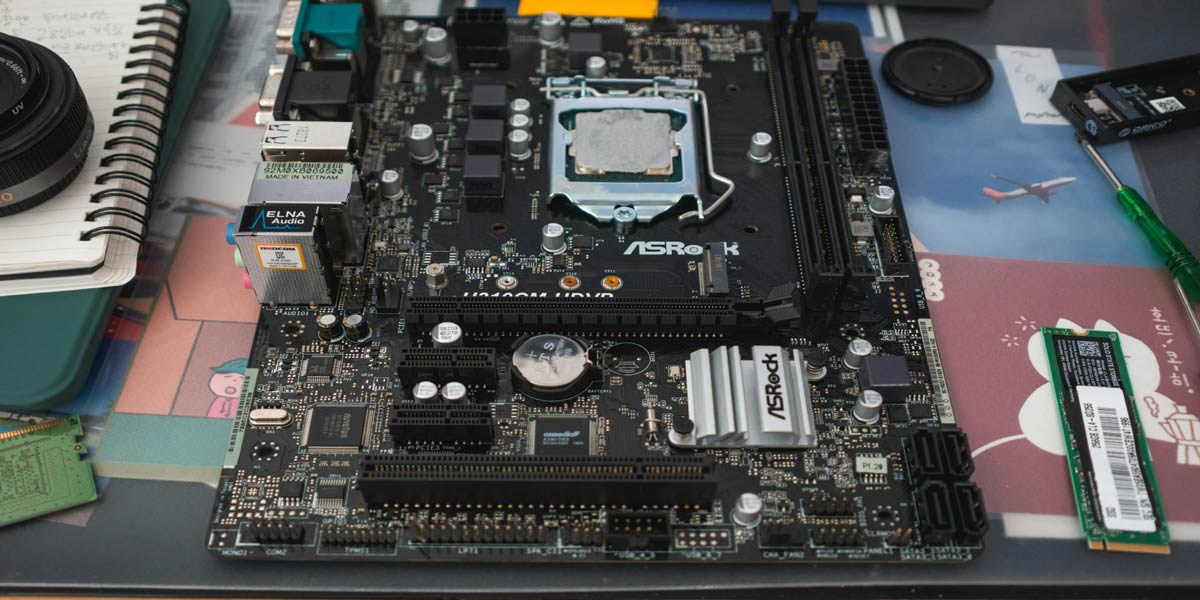
Computer technology upgrades involve updating specific parts of your system or installing missing software. In general, this type of change is a more affordable way to extend the equipment's lifespan while maintaining efficiency.
Possible upgrades include:
- Installation of additional RAM
- Replacing a hard drive with an SSD
- Upgrading software
- Adding extra storage space
- Upgrading network equipment
If your computers operate well but have become somewhat sluggish lately, upgrades will significantly improve their performance without requiring a full replacement.
Indicators That an Upgrade Is the Best Solution
Certain signs clearly indicate that adjustments can be made to improve performance without a major overhaul. If any of the following sound familiar, upgrades may be in order.
Slow computers
System boot-up and software startup are taking longer. Adding extra memory or a faster storage drive can greatly improve the computer's performance.
Lack of Storage Space
Employees accumulate many files over time. Extra space can help free up the computer by removing excessive files without completely changing it.
Requirements of Software Applications
New software may require more resources to run effectively. If the computer itself works well, upgrading certain elements can help to meet the requirements.
Age of Hardware
Business-grade computers may serve efficiently for more than five years with proper maintenance and upgrades.
When Replacing Computer Technology Makes Sense
All technology needs to be replaced eventually. The trick is knowing when the time has come.
One of our clients in Spokane described the following situation: Almost every month, a different component of their system needed repair. First, it was the hard drive, then the power supply, and then they experienced frequent software crashes. No single problem was catastrophic, but together they became a burden and a waste of time. In the end, replacing the aging equipment proved more cost-efficient than maintaining it for a longer period.
Indicators That You Need to Replace Computer Technology
No one wants to spend money on maintenance that would be better spent investing in a new system. Watch for these signs as indicators that technology needs to be replaced.
Recurrent Failures
If you often experience hardware failures, crashes, and other similar problems, the equipment is probably approaching its expiration date.
Security Risks
Old computers may be unable to run current operating systems or receive important security updates, increasing the risk to your business. One wrong click may be all it takes to spread malware system-wide.
Increased Maintenance Expenses
Multiple maintenance calls and spare parts purchases can be more costly than purchasing new equipment. When looking at evaluating maintenance costs, be sure to include downtime costs.
Performance Limitations
Some computers may fail to work with certain modern software, cloud applications, and security solutions. Staying current requires current equipment.
Age of Equipment
Beyond five to seven years of age, business computers become much less reliable.

Comparing Costs of Computer Upgrades vs Replacement
Sometimes, the cheapest option is not the most economical one. An upgrade will cost hundreds of dollars and add a few more years to the computer's lifespan. Such a decision may prove very efficient when the equipment remains stable and suitable.
Replacing the equipment requires a higher initial expenditure but will lower downtime, increase productivity, and enhance security. Additionally, you will be able to use the current operating systems and software more efficiently.
Questions to Consider When Choosing a Solution
These questions can help you determine whether to upgrade or replace your current system:
- What is the age of the equipment?
- How often does the equipment require repairs?
- Does it allow the use of current software and security solutions?
- Are employees experiencing difficulties with computer performance?
- Will upgrading improve productivity?
The answers to these questions will give you a clear picture of the next steps.
Why a Strategic Approach Is Important
Decisions related to computer technology are easier when they fit into the overall business plan. Rather than repeatedly responding to equipment failures, account for equipment lifecycles and budget for improvements. Such an approach will save you from unexpected expenses and guarantee that your technology serves your business effectively.
By conducting regular assessments, you can determine which equipment still adds value and which needs to be replaced. Adept Networks can also help you run vulnerability scans to identify potential security issues.

How Adept Networks Helps Local Companies Choose
Business owners cannot be expected to be technology experts on top of everything else. Partnering with a reliable IT support provider will help you make wise decisions and keep systems running smoothly, preventing both crises and everyday downtime.
Adept Networks evaluates your current equipment, recommends possible upgrades to your computer technology, and determines whether replacement is a preferable option. We work with businesses in Spokane, Washington, and Medford, Oregon, offering practical solutions focused on performance, security, and longevity.
Upgrade or Replace: What Decision Will Bring You the Most Benefits?
No universal criterion exists for choosing between a technology upgrade and a replacement. Each case requires a different approach.
The optimal solution should balance costs, reliability, security, and productivity. Effective technology will allow your team to work faster and achieve better results.
If you are concerned about your computer's age, get in touch with Adept Networks, your trusted Medford IT support company, to arrange a consultation and find out whether you need a computer upgrade or replacement.